

Primary DNS
Primary DNS servers are the authoritative source for all DNS records of your domain.
They store and publish the official version of your DNS zones, respond to queries directly, and provide data to any secondary servers via AXFR transfers.
Having a reliable Primary DNS ensures that any changes you make to your records (for example, new mail server or website IP) are immediately distributed to the entire DNS network.
This minimizes propagation delays and prevents errors caused by outdated or missing records.
A well-maintained Primary DNS is essential for stability, security, and performance it forms the foundation on which your entire domain’s online presence depends.
When combined with an Anycast infrastructure, it also improves response time and provides global redundancy.
from 1000 Kč / month 50 € / month 200 Zł / month 50 $ / month
- Operate a full DNS platform under your own brand
- Integration via API for automated zone management
- Dedicated IPv4 and IPv6 addresses
- Automatic zone synchronization via AXFR
- High redundancy and uptime across multiple locations
- Full DNSSEC support
- Works alongside your current DNS and registrar
- Developed and operated in Europe, offering global reach and complete data sovereignty.
Single Domain
Allows anyone to use our DNS infrastructure in primary mode without any limitations and completely free of charge.
It is ideal for websites, blogs, independent developers, or domain administrators who need fast and reliable DNS without running their own infrastructure.
DNS zones can be easily managed manually through a clear and intuitive interface.
All queries are served from the global Anycast network of WEDOS.zone, ensuring that your domains remain accessible from anywhere with minimal latency and high reliability.
For larger projects or portfolios exceeding 100 domains, we recommend our B2B partnership program, which provides advanced configuration options and full API integration.
To start using the service
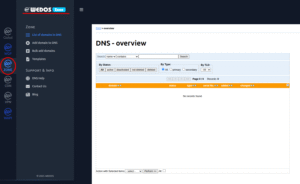
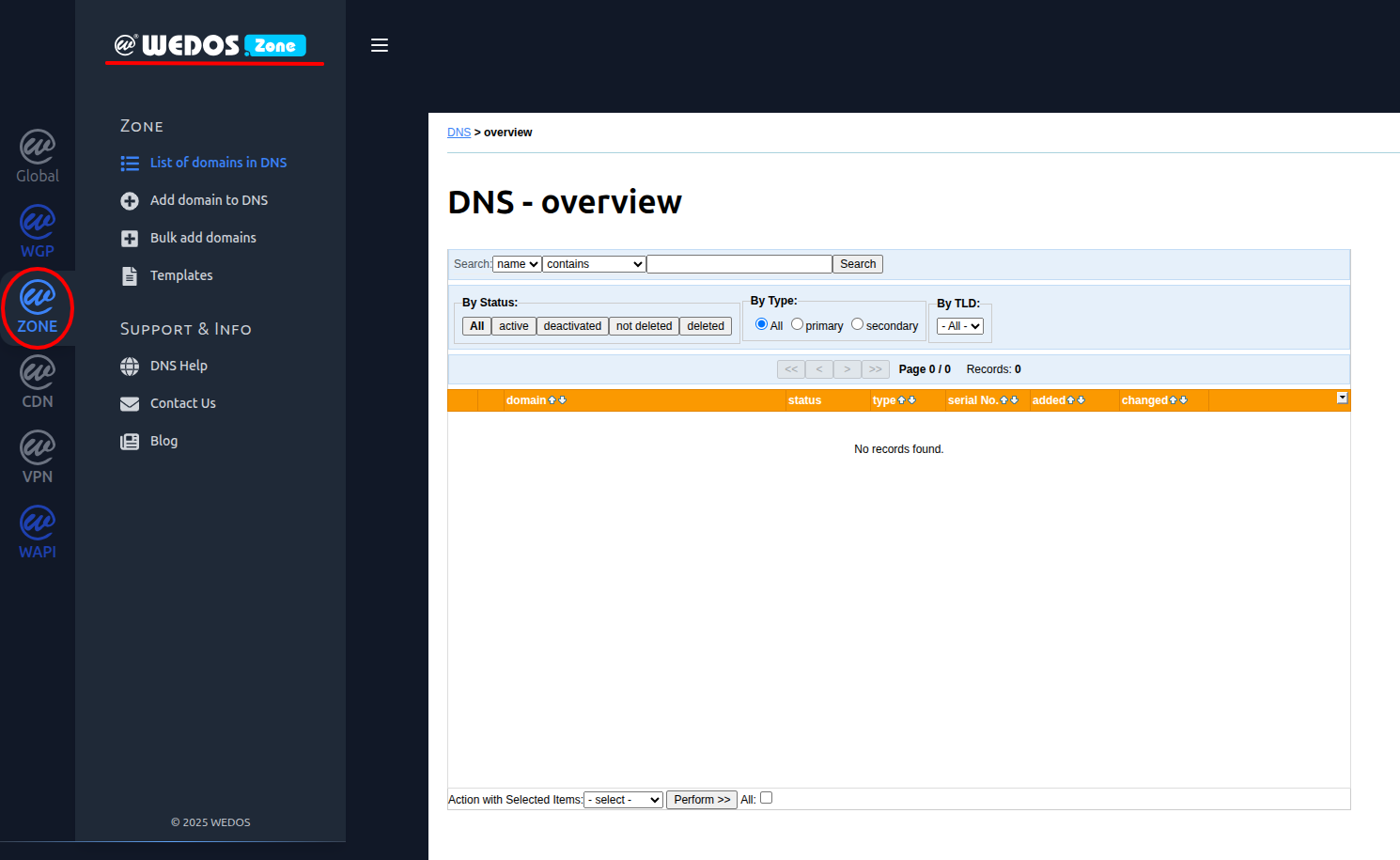
Go to the Zone Section
After logging in to the administration interface, navigate to the Zone section in the left-hand menu.
This is where you will manage the DNS records for your domains.
Add a Domain
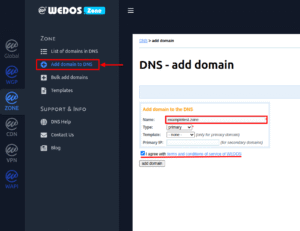
- In the left menu, click on “Add domain to DNS.”
- Enter your domain name (e.g.
exampletest.zone) into the Name field. - Under Type, choose between:
- Primary – WEDOS.zone will be your main DNS server. You will manage all DNS records here.
This is the default and recommended option — it’s free, fast, and fully managed. - Secondary – This way you can add WEDOS.zone Anycast DNS to supplement your existing DNS infrastructure without making any changes.
- Primary – WEDOS.zone will be your main DNS server. You will manage all DNS records here.
- (Optional) Select a template, or leave it as “none” if not needed.
- If you’re using Secondary, enter the Primary IP of your existing DNS server.
- Confirm the terms of service by checking “I agree with terms and conditions of service of WEDOS.”
- Click “Add domain” to proceed.
Adding DNS Records
Once your domain is added, it’s time to configure its DNS records.
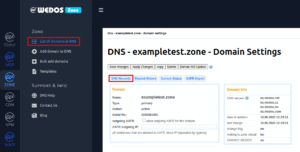
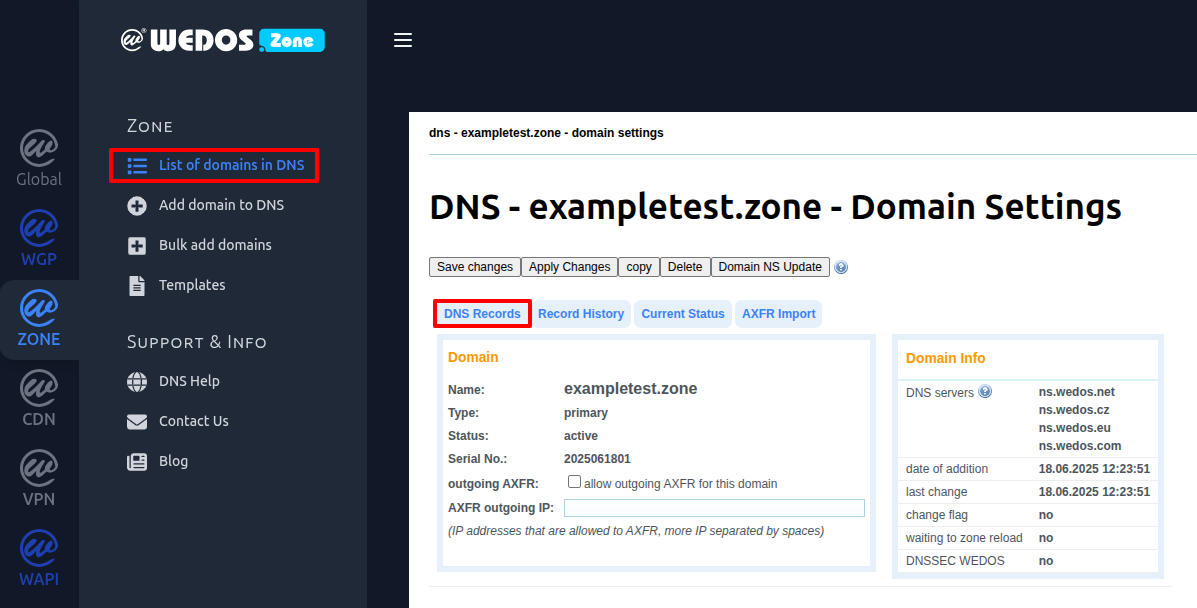
- In the left-hand menu, click “List of domains in DNS.”
- Find your domain in the list and click its name (e.g.
exampletest.zone). - In the domain settings page, go to the “DNS Records” tab.
This is where you add A, AAAA, MX, CNAME, TXT and other DNS records for your domain.
Update Nameservers at Your Domain Registrar
To complete the setup, go to your domain registrar and replace the current nameservers with those assigned by WEDOS.Zone.
WEDOS nameservers:
ns.wedos.net
ns.wedos.cz
ns.wedos.eu
ns.wedos.com
After updating the nameservers at your registrar, your domain will start gradually switching to the WEDOS.zone Anycast DNS network.
The change may take several hours to fully propagate worldwide, depending on DNS cache and registry update speed.
Important: DNSSEC Warning
If DNSSEC is enabled for your domain at your registrar, make sure to disable it before changing the nameservers.
Failing to do so can result in DNS resolution errors — because the DNSSEC records will no longer match the new DNS provider.
Once your domain is running on WEDOS.zone, you can re-enable DNSSEC and set the correct DS records from our system if needed.